
Coding
SQL Server 2012 introduced groundbreaking features that transformed database management for developers and administrators. These 10 innovations improved performance, security, and scalability—making it a pivotal release for modern data professionals.
AlwaysOn Availability Groups

Tired of unplanned downtime crippling your mission-critical applications? AlwaysOn Availability Groups in SQL Server 2012 redefined enterprise-grade reliability with synchronous and asynchronous data replication across multiple servers—no manual failover required.
This feature lets you configure primary and secondary replicas for automatic failover, with synchronous commit ensuring zero data loss (ideal for financial systems) or asynchronous commit for geographic redundancy (like global SaaS deployments). The built-in health monitoring detects node failures in seconds, while read-only routing distributes query loads across secondaries. Even Windows Server Failover Clustering integration ensures hardware-level redundancy.
Perfect for finance, healthcare, or e-commerce teams where uptime equals revenue—especially those migrating from older mirroring solutions. ⚡
Columnstore Indexes for Data Warehousing

Struggling with slow analytical queries in your data warehouse? Columnstore indexes in SQL Server 2012 completely transformed how databases handle large-scale data scans by storing data vertically instead of horizontally.
This feature delivers 10x faster reads for analytical workloads by compressing data at the column level, reducing storage footprint by up to 90% while maintaining query performance. It's particularly powerful for OLAP (Online Analytical Processing) workloads, where scanning entire tables is common—think business intelligence reports and data mining operations.
Perfect for data analysts and BI teams working with massive datasets, columnstore indexes eliminate the need for complex indexing strategies while dramatically cutting query execution times. ⚡
Contained Databases with User-Defined Server Roles

Tired of tangled database dependencies slowing down your deployments? Contained Databases in SQL Server 2012 changed the game by letting you package everything—schemas, logins, and security policies—inside a single database file. No more server-level permissions or messy cross-database references.
This feature introduced user-defined server roles to control access at the database level, while contained database backups (covered later in this list) made portability effortless. Whether you're managing multi-tenant SaaS apps or cloud migrations, contained databases let you treat each database as a self-sufficient unit—no server admin required.
Perfect for ISVs, cloud providers, and DevOps teams who need to deploy databases independently. Say goodbye to "works on my machine" issues! ✨
Sequence Objects for Reliable Number Generation

Tired of identity columns limiting your auto-numbering flexibility? SQL Server 2012 introduced sequence objects—a game-changer for developers managing complex key generation across multiple tables.
Unlike rigid identity columns, sequences support multiple tables, custom increments (even negative values), and cyclic behavior (restarting after max/min values). You can also introduce gaps for reserved keys or cache values to minimize locking. The syntax is clean: CREATE SEQUENCE dbo.OrderID AS INT START WITH 1000 INCREMENT BY 10;
Perfect for multi-tenant applications, legacy system migrations, or any scenario requiring precise control over numeric sequences. 💡
Contained Database Authentication Mode
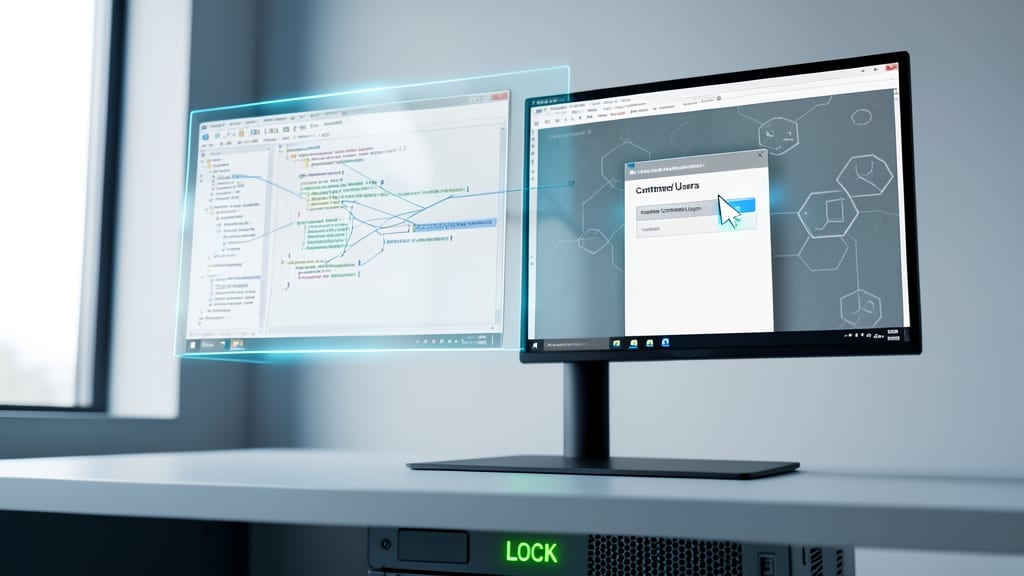
Tired of juggling server-level logins when all you need is database-specific security? Contained Database Authentication Mode in SQL Server 2012 lets each database manage its own users—no server-wide permissions required.
This feature introduces contained user logins, stored within the database itself, eliminating dependency on SQL Server logins. You can now create, modify, and drop users directly in the database context, while still leveraging Windows authentication for compatibility. The MIXED_MODE option even allows both contained and server logins to coexist seamlessly.
Perfect for multi-tenant SaaS applications or development teams needing isolated test environments. No more waiting for DBA approvals to manage simple user access! ✨
SQL Server Data Tools for Visual Studio Integration

Tired of juggling separate tools for database development and application coding? SQL Server Data Tools (SSDT) for Visual Studio finally unified these workflows in SQL Server 2012, giving developers direct access to database schema management without leaving their IDE.
With schema comparison tools, you could instantly identify and deploy differences between environments, while version control integration let teams track database changes alongside application code. The project-based development model also enabled source control of database objects—something DBAs had previously resisted. This wasn't just a convenience; it was a cultural shift toward treating databases as first-class development assets.
Perfect for teams using Visual Studio Team Foundation Server (TFS), this feature became the foundation for modern DevOps practices in database development. 💻
Windows Server Core Support for Lightweight Deployments

Cloud deployments and security-conscious admins got a game-changer with Windows Server Core support in SQL Server 2012. This lightweight installation option removed the full GUI, slashing resource usage by up to 80% while eliminating unnecessary attack surfaces for cloud-hosted databases.
Deploying SQL Server on Windows Server Core meant running only essential services—no bloated desktop environment, just the core components you need. This translated to lower memory footprints (ideal for cloud environments with strict resource quotas) and simplified patch management since fewer components required updates. The command-line interface also made automation easier for DevOps pipelines.
This feature was ideal for cloud-first enterprises and security-hardened environments where minimizing surface area was critical. Perfect for SQL Server deployments in Azure, AWS, or any cloud provider where cost efficiency and security go hand-in-hand. ⚡
Contained Database Backup and Restore
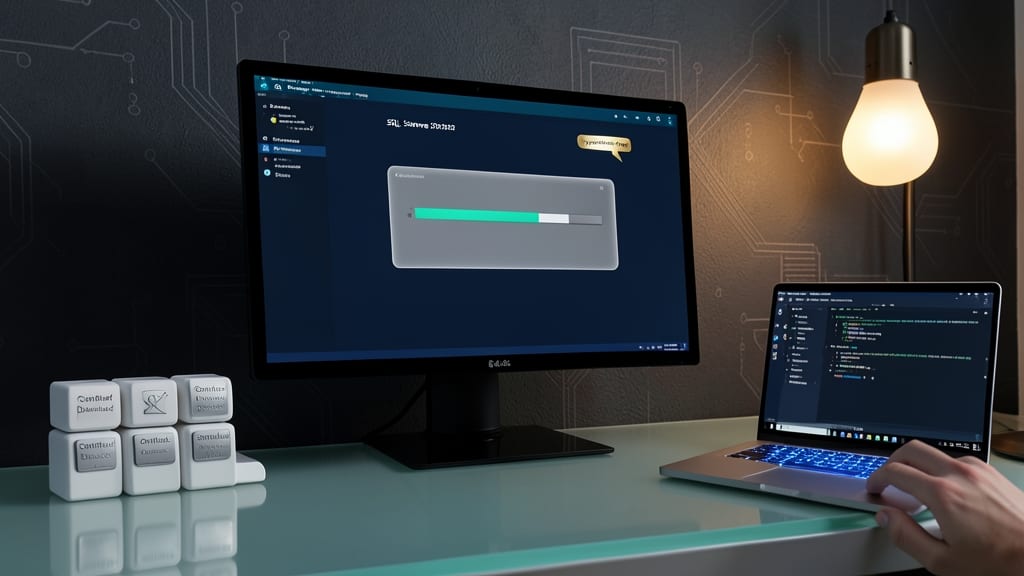
Tired of backup processes that require sysadmin privileges? SQL Server 2012’s contained database backup and restore feature changes the game by letting you back up entire databases without touching server-level permissions.
With this feature, you can now perform full database backups and restores using just database-level permissions, eliminating the need for sysadmin rights. The process supports compressed backups (reducing storage needs) and works seamlessly with contained databases, making it ideal for environments where portability is critical. This means your databases can move between test, staging, and production environments without friction.
Perfect for dev teams and cloud deployments, this feature ensures databases stay self-contained while maintaining security and flexibility. 💻
Power View for Interactive Data Visualization

Tired of waiting for IT teams to generate reports? Power View brought self-service BI directly to SharePoint users with its intuitive drag-and-drop interface, no coding required.
This Excel-like visualization tool integrated seamlessly with SQL Server 2012 Reporting Services to create interactive dashboards with tables, matrices, charts, and geographic visualizations. The SharePoint integration meant business users could publish and share insights without developer involvement, while tabular models provided the underlying analytical power.
Perfect for business analysts and executives who need to explore data trends without technical expertise, Power View democratized BI across organizations. ✨
SQL Server Utility for Centralized Management

Managing dozens of SQL Server instances used to mean juggling separate tools and dashboards—until SQL Server Utility arrived. This centralized console gave DBAs a single pane of glass to oversee multiple servers, streamlining operations that once required manual checks across every instance.
The tool offered real-time performance monitoring, automated maintenance tasks, and centralized policy management—all through a web-based interface. You could enforce consistent configurations, track resource usage, and even trigger backups across all servers with zero scripting. For enterprises with sprawling environments, this reduced administrative overhead by up to 70% while maintaining granular control.
Ideal for large-scale deployments where consistency and visibility are critical, SQL Server Utility became the go-to for IT teams managing complex SQL Server landscapes. 💻