Skip to content
Chart and Table

Chart and Table

  • All Articles
  • App
  • C++
  • Coding
  • More
    • Discord
    • Excel
    • Hardware
    • Microsoft Office
    • Operating System
    • Outlook
    • PowerPoint
    • Review
    • Software
    • Tip & Trick
    • Troubleshooting
    • Windows

PowerPoint

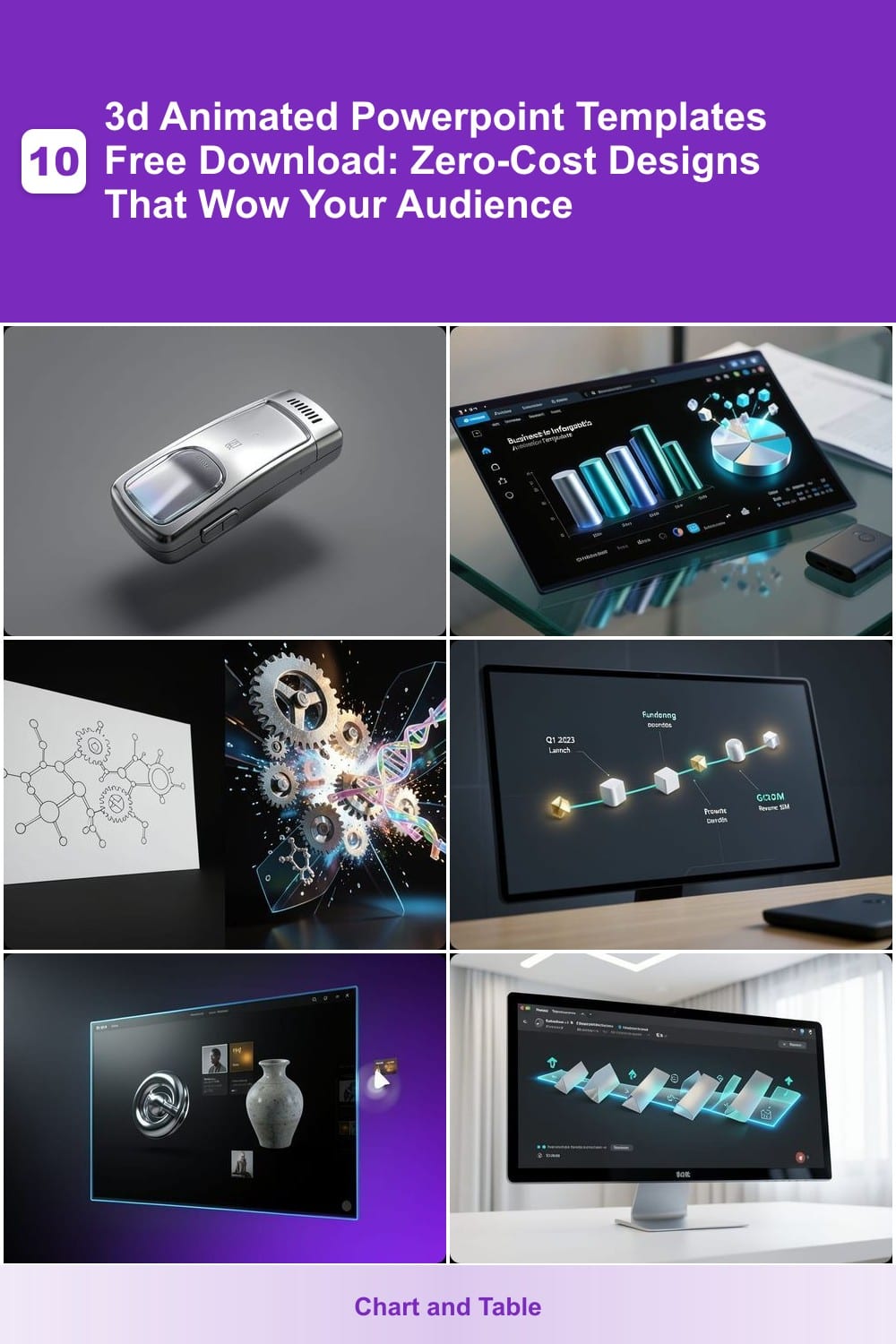
3d Animated Powerpoint Templates Free Download: Zero-Cost Designs That Wow Your Audience
November 6, 2026 by Vince Vasquez
3d Animated Powerpoint Templates Free Download: Zero-Cost Designs That Wow Your Audience

Need eye-catching PowerPoint presentations without breaking the bank? These seven **free 3D animated templates** bring professional-grade motion graphics to your slides—perfect for business pitches, creative projects, or…
Read more

Categories PowerPoint

Can You Work on PowerPoint at the Same Time: Live Edit Features Explained

November 21, 2026 by Vince Vasquez
Can You Work on PowerPoint at the Same Time: Live Edit Features Explained

💥 Quick Answer Yes, you can work on PowerPoint at the same time using Microsoft 365’s Real-time Coauthoring feature, which lets multiple users edit the same presentation simultaneously with live updates and conflict…

Read more

Categories PowerPoint

Do You Have to Cite Stock Photos in PowerPoint: Legal Rules and When to Credit Sources

November 23, 2026 by Vince Vasquez
Do You Have to Cite Stock Photos in PowerPoint: Legal Rules and When to Credit Sources

Do you have to cite stock photos in PowerPoint—here’s the quick answer: free images (like Creative Commons) usually need attribution, while paid or licensed ones follow their own credit rules. Always check the source’s…

Read more

Categories PowerPoint

PowerPoint Undo Mistakes: Instant Fixes Without Losing Work

October 15, 2026 by Vince Vasquez
PowerPoint Undo Mistakes: Instant Fixes Without Losing Work

To undo in PowerPoint, Ctrl+Z is your first line of defense—just like when I accidentally deleted a slide during a client presentation years ago. That shortcut works instantly for most actions, but PowerPoint also lets…

Read more

Categories PowerPoint

How to Add Footnotes in PowerPoint: Hidden Tricks for Professional Presentations

November 21, 2026 by Vince Vasquez
How to Add Footnotes in PowerPoint: Hidden Tricks for Professional Presentations

Adding footnotes in PowerPoint isn’t just possible—it’s a game-changer for presentations that need credibility. ✨ I’ve used this trick in boardroom decks and client reports, and it instantly elevates professionalism…

Read more

Categories PowerPoint

How to Add PowerPoint Templates: Faster Slides With Pro-Designed Layouts

October 10, 2026 by Vince Vasquez
How to Add PowerPoint Templates: Faster Slides With Pro-Designed Layouts

To add PowerPoint templates, you’re just one click away from professional slides that save hours of formatting. ✨ I’ve used these shortcuts to cut my presentation setup time by 75% —whether I’m prepping for a client…

Read more

Categories PowerPoint

How to Change Line Spacing in Powerpoint: Precision Adjustments in 3 Simple Clicks

October 15, 2026 by Vince Vasquez
How to Change Line Spacing in Powerpoint: Precision Adjustments in 3 Simple Clicks

Changing line spacing in PowerPoint is one of those tiny adjustments that makes your slides look professional —not just functional. I remember spending hours formatting a client presentation where cramped text ruined…

Read more

Categories PowerPoint

How to Change Margins in Powerpoint: Precision Adjustments in Seconds for Perfect Slides

November 21, 2026 by Vince Vasquez
How to Change Margins in Powerpoint: Precision Adjustments in Seconds for Perfect Slides

Changing margins in PowerPoint can transform your slides from cluttered to polished in seconds. I’ve spent hours fixing misaligned layouts—until I discovered the Page Setup shortcut that lets you dial in exact…

Read more

Categories PowerPoint

How to Create a PowerPoint Calendar: Smart Layouts for Any Event Planning

November 21, 2026 by Vince Vasquez
How to Create a PowerPoint Calendar: Smart Layouts for Any Event Planning

Creating a calendar in PowerPoint is one of those tasks that feels impossible until you see it done right. ✨ I’ve spent hours watching people struggle with misaligned dates or clunky layouts—until I discovered how to…

Read more

Categories PowerPoint

How to Create Handouts in Powerpoint: Step-by-Step Design for Professional Presentations

November 23, 2026 by Vince Vasquez
How to Create Handouts in Powerpoint: Step-by-Step Design for Professional Presentations

Creating handouts in PowerPoint is where presentations go from slides to takeaways—✨ and the process is shockingly simple once you know the right path. I’ve spent hours watching presenters fumble with print settings…

Read more

Categories PowerPoint
Page1Page2Page3Page4Next →

About Me

Vince Vasquez

Vince Vasquez
My first computer was a clunky desktop my dad built from parts in the 1990s, and I spent hours tinkering with it—figuring out how to make it run faster, how to cram more games onto a floppy disk. That machine taught me that technology isn’t just about hardware; it’s about the stories behind it, the little hacks that make life easier, and the way a well-written guide can turn frustration into ‘Ah, that makes sense!’ Here at Chart and Table, I aim to cut through the noise and share the kind of tech advice I wish I’d had back then—clear, practical, and free of jargon. Whether it’s troubleshooting a stubborn PC, mastering a new software tool, or just figuring out why your Wi-Fi keeps cutting out, I’m here to help make tech feel less like a mystery and more like a tool you can actually use.

Learn more

Recent Posts

  • Visual Studio 2013 Update 5 Download: Direct ISO Link for Legacy Systems
    Visual Studio 2013 Update 5 Download: Direct ISO Link for Legacy Systems
  • Rundll32.exe Keymgr.dll,Krshowkeymgr: Instant Fix for Missing Key Manager Errors
    Rundll32.exe Keymgr.dll,Krshowkeymgr: Instant Fix for Missing Key Manager Errors
  • How to Change Mouse Button Bindings: Customize Clicks for Lefties or Gamers
    How to Change Mouse Button Bindings: Customize Clicks for Lefties or Gamers
  • How to Setup Gmail in Outlook Manually: Step-by-Step Visual Walkthrough
    How to Setup Gmail in Outlook Manually: Step-by-Step Visual Walkthrough
  • Download Teams Add-In for Outlook: Seamless Integration in Minutes
    Download Teams Add-In for Outlook: Seamless Integration in Minutes
  • All Guides
  • About
  • Contact
  • Privacy Policy
  • Cookie Policy
  • Terms of Use
© 2026 chartandtable.work