Skip to content
Chart and Table

Chart and Table

  • All Articles
  • App
  • Coding
  • Hardware
  • More
    • Operating System
    • Outlook
    • PowerPoint
    • Review
    • Software
    • Tip & Trick
    • Troubleshooting
    • Windows

PowerPoint — Page 2

List of Transition Effects in Powerpoint: Smooth Slides That Boost Your Presentation Impact
October 13, 2026 by Vince Vasquez
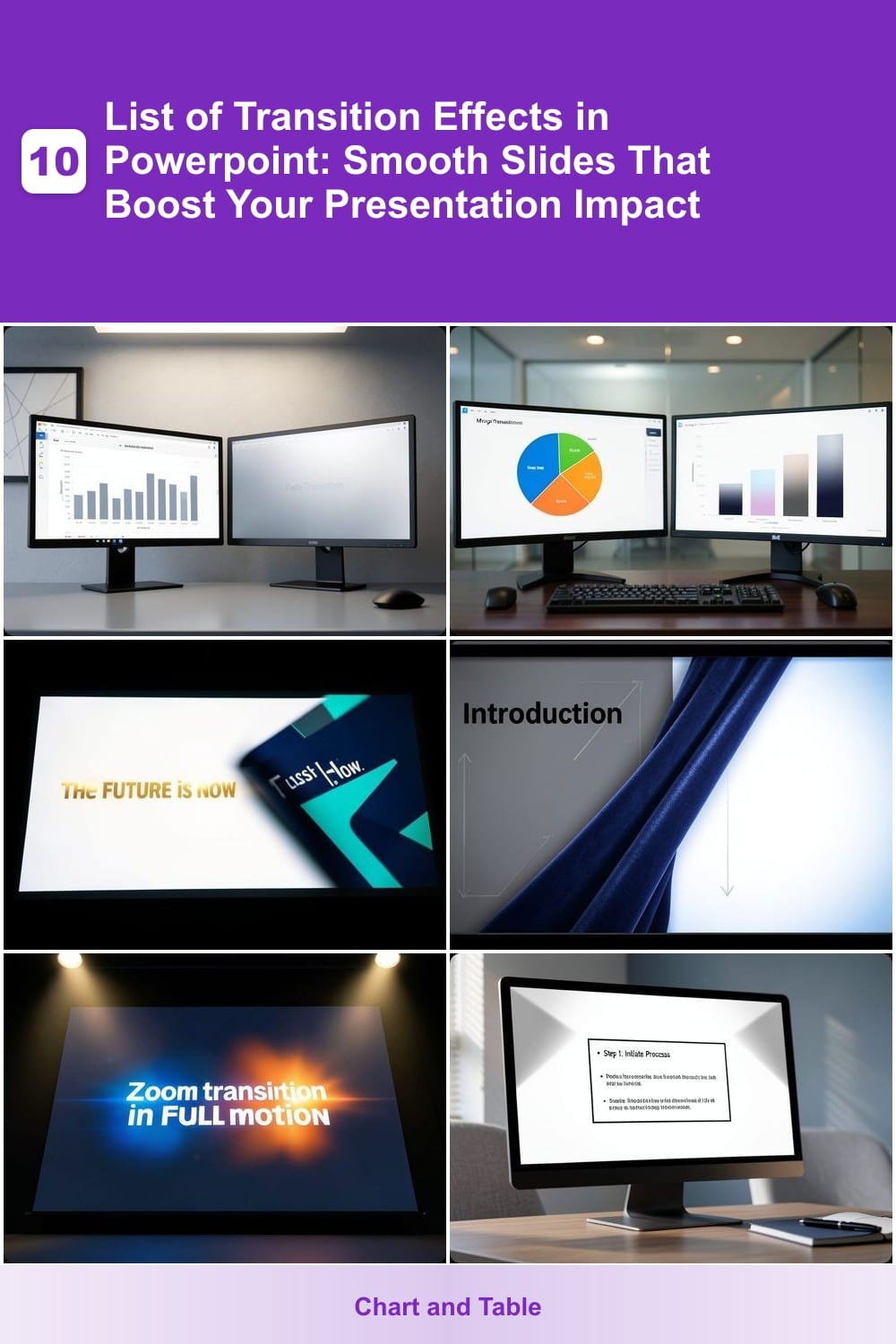
List of Transition Effects in Powerpoint: Smooth Slides That Boost Your Presentation Impact

Want to make your PowerPoint presentations more dynamic and engaging? These seven transition effects will help you create smooth, professional slides that keep your audience focused and impressed—without looking…

Read more

Categories PowerPoint

Microsoft Clip Art Images Free Download: Instant Access to 200+ Classic Designs

October 8, 2026 by Vince Vasquez
Microsoft Clip Art Images Free Download: Instant Access to 200+ Classic Designs

Microsoft’s classic clip art images are free to download directly from their official archives—no subscription or hidden fees required. Struggling to find high-quality clip art for presentations, documents, or creative…

Read more

Categories PowerPoint

10 Microsoft Office PPT Templates: Free Downloads for Stunning Presentations

October 10, 2026 by Vince Vasquez
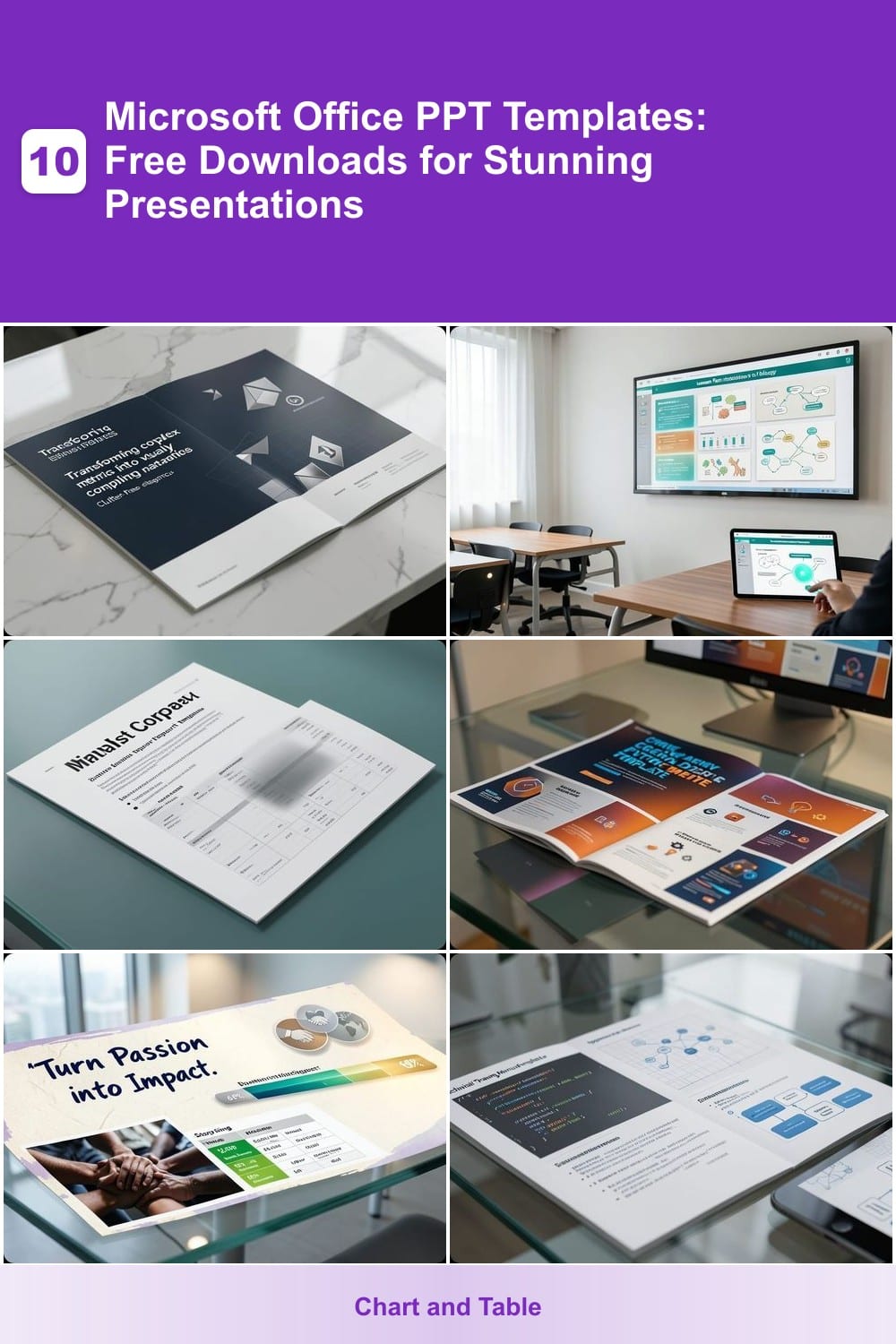
10 Microsoft Office PPT Templates: Free Downloads for Stunning Presentations

Need eye-catching PowerPoint templates that won't break the bank? These 10 free Microsoft Office-compatible PPT templates deliver professional designs for business, education, and creative projects—all downloadable in…

Read more

Categories PowerPoint

Visio Process Flow Diagram Template Free Download: Pre-Built Shapes for Faster Workflows

October 11, 2026 by Vince Vasquez
Visio Process Flow Diagram Template Free Download: Pre-Built Shapes for Faster Workflows

A free Visio process flow diagram template download cuts your workflow design time from hours to minutes—no design skills required. Picture this: You’re staring at a blank Visio canvas, trying to match shapes to your…

Read more

Categories PowerPoint

Where Is Slide Master in PowerPoint: Hidden Location and How to Access It Fast

October 13, 2026 by Vince Vasquez
Where Is Slide Master in PowerPoint: Hidden Location and How to Access It Fast

💥 Quick Answer To find the Slide Master in PowerPoint, go to the 'View' tab and click 'Slide Master'—this lets you modify the underlying template that governs every slide's fonts, layouts, and background elements across…

Read more

Categories PowerPoint

Where Is the Eyedropper in PowerPoint: Exact Tool Location and Shortcut Keys

October 8, 2026 by Vince Vasquez
Where Is the Eyedropper in PowerPoint: Exact Tool Location and Shortcut Keys

💥 Quick Answer To find the eyedropper in PowerPoint, look for the 'Eye Dropper' tool in the Format tab under Shape Styles or Font . For slides, select an object, click the Format Shape tab, then locate it in Shape Fill…

Read more

Categories PowerPoint

Where Is the Ribbon in PowerPoint: How to Reveal and Customize It in 3 Clicks

October 13, 2026 by Vince Vasquez
Where Is the Ribbon in PowerPoint: How to Reveal and Customize It in 3 Clicks

💥 Quick Answer The PowerPoint ribbon is located at the top of the screen in the default view, displaying tabs like Home, Insert, Design, and View. If missing, press Ctrl+F1 to toggle it or check the View tab for the…

Read more

Categories PowerPoint
Page1Page2

About Me

Vince Vasquez

Vince Vasquez
My first computer was a clunky desktop my dad built from parts in the 1990s, and I spent hours tinkering with it—figuring out how to make it run faster, how to cram more games onto a floppy disk. That machine taught me that technology isn’t just about hardware; it’s about the stories behind it, the little hacks that make life easier, and the way a well-written guide can turn frustration into ‘Ah, that makes sense!’ Here at Chart and Table, I aim to cut through the noise and share the kind of tech advice I wish I’d had back then—clear, practical, and free of jargon. Whether it’s troubleshooting a stubborn PC, mastering a new software tool, or just figuring out why your Wi-Fi keeps cutting out, I’m here to help make tech feel less like a mystery and more like a tool you can actually use.

Learn more

Recent Posts

  • Visual Studio 2013 Update 5 Download: Direct ISO Link for Legacy Systems
    Visual Studio 2013 Update 5 Download: Direct ISO Link for Legacy Systems
  • Rundll32.exe Keymgr.dll,Krshowkeymgr: Instant Fix for Missing Key Manager Errors
    Rundll32.exe Keymgr.dll,Krshowkeymgr: Instant Fix for Missing Key Manager Errors
  • How to Change Mouse Button Bindings: Customize Clicks for Lefties or Gamers
    How to Change Mouse Button Bindings: Customize Clicks for Lefties or Gamers
  • How to Setup Gmail in Outlook Manually: Step-by-Step Visual Walkthrough
    How to Setup Gmail in Outlook Manually: Step-by-Step Visual Walkthrough
  • Download Teams Add-In for Outlook: Seamless Integration in Minutes
    Download Teams Add-In for Outlook: Seamless Integration in Minutes
  • All Guides
  • About
  • Contact
  • Privacy Policy
  • Cookie Policy
  • Terms of Use
© 2026 chartandtable.work