Skip to content
Chart and Table

Chart and Table

  • All Articles
  • App
  • C++
  • Coding
  • More
    • Discord
    • Excel
    • Hardware
    • Microsoft Office
    • Operating System
    • Outlook
    • PowerPoint
    • Review
    • Software
    • Tip & Trick
    • Troubleshooting
    • Windows

All Recipes — Page 14

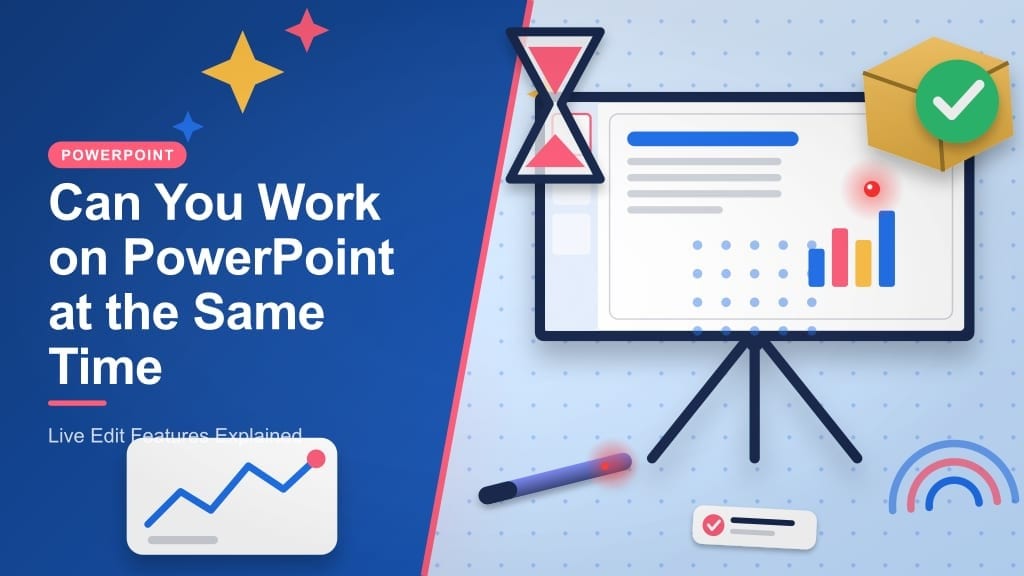
Can You Work on PowerPoint at the Same Time: Live Edit Features Explained
November 21, 2026 by Vince Vasquez
Can You Work on PowerPoint at the Same Time: Live Edit Features Explained

💥 Quick Answer Yes, you can work on PowerPoint at the same time using Microsoft 365’s Real-time Coauthoring feature, which lets multiple users edit the same presentation simultaneously with live updates and conflict…
Read more

Categories PowerPoint

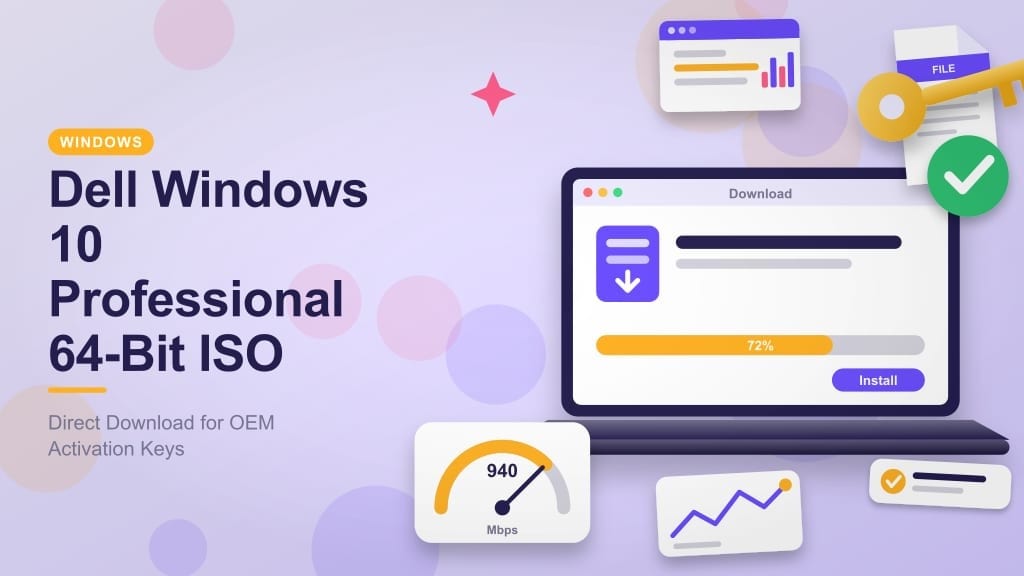
Dell Windows 10 Professional 64-Bit ISO: Direct Download for OEM Activation Keys

November 21, 2026 by Vince Vasquez
Dell Windows 10 Professional 64-Bit ISO: Direct Download for OEM Activation Keys

Downloading the Dell Windows 10 Professional 64-bit ISO legally ensures your OEM key works without activation errors or security risks. Many users waste hours chasing shady mirrors or broken links, only to end up with…

Read more

Categories Windows

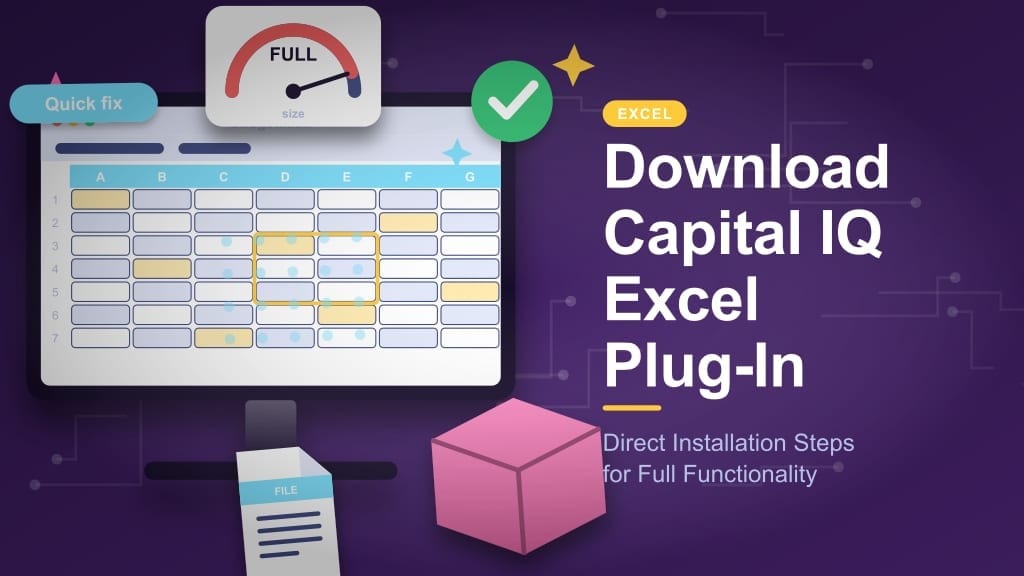
Download Capital IQ Excel Plug-In: Direct Installation Steps for Full Functionality

November 21, 2026 by Vince Vasquez
Download Capital IQ Excel Plug-In: Direct Installation Steps for Full Functionality

To download the Capital IQ Excel plug-in, you’ll need a valid S&P Capital IQ subscription and the right Excel version—otherwise, the installer will stall before it even starts. Picture this: you’ve spent hours pulling…

Read more

Categories Software

Epson Point of Sale Printer Driver: Compatibility Checklist for Windows & Mac Systems

November 21, 2026 by Vince Vasquez
Epson Point of Sale Printer Driver: Compatibility Checklist for Windows & Mac Systems

The Epson point-of-sale printer driver you download could make or break your checkout workflow—one wrong version and you’re staring at blank receipts or system crashes. I’ve seen small businesses lose hours chasing the…

Read more

Categories Hardware

Excel Conditional Formatting: Instant Row Highlight When Cell Meets Criteria

November 21, 2026 by Vince Vasquez
Excel Conditional Formatting: Instant Row Highlight When Cell Meets Criteria

Excel conditional formatting highlight row based on cell values changed my workflow forever—especially when tracking inventory or sales data. ⚡ That first time I saw an entire row flash red when stock hit critical…

Read more

Categories Excel

Windows 10 Version 20H2 Feature Update: Direct ISO Download for Full Localization

November 21, 2026 by Vince Vasquez
Windows 10 Version 20H2 Feature Update: Direct ISO Download for Full Localization

The feature update to Windows 10 version 20H2 download marked the moment when Windows Update reliability finally received its long-overdue upgrades. I’ve seen too many users stuck in endless loops trying to install it—so…

Read more

Categories Windows

Google Maps Not Working on PC: Cache Clear and Refresh Trick

November 21, 2026 by Vince Vasquez
Google Maps Not Working on PC: Cache Clear and Refresh Trick

Google Maps not working on your PC can turn a quick navigation check into a frustrating black screen. ⚡ I’ve fixed this issue on Windows 10 and 11 machines more times than I can count, and the solution usually starts…

Read more

Categories Troubleshooting

How to Set Up a Teams Meeting: Instant Video Call in 60 Seconds

November 21, 2026 by Vince Vasquez
How to Set Up a Teams Meeting: Instant Video Call in 60 Seconds

How do I set up a meeting in Teams—it took me just 60 seconds, no kidding! ✨ Back in 2017, when I was helping Dad rebuild those vintage IBMs, we used clunky dial-up video calls that took minutes just to connect. Today…

Read more

Categories Operating System

How Many Characters in an SMS: Exact Limits and What Happens When You Exceed Them

November 21, 2026 by Vince Vasquez
How Many Characters in an SMS: Exact Limits and What Happens When You Exceed Them

💥 Quick Answer An SMS text message contains 160 characters in most networks, though some carriers allow up to 153 for compatibility. Exceeding this splits the message into multiple parts, increasing cost and reducing…

Read more

Categories Operating System

How to Add $ in Excel Shortcut: Quick-Format Cells Without the Mouse

November 21, 2026 by Vince Vasquez
How to Add $ in Excel Shortcut: Quick-Format Cells Without the Mouse

Adding dollar signs to numbers in Excel without touching the mouse is a game-changer once you know the trick. ⚡ I used to waste seconds clicking through menus every time I formatted currency—until I discovered this…

Read more

Categories Excel
Page1…Page12Page13Page14Page15Page16…Page50Next →

About Me

Vince Vasquez

Vince Vasquez
My first computer was a clunky desktop my dad built from parts in the 1990s, and I spent hours tinkering with it—figuring out how to make it run faster, how to cram more games onto a floppy disk. That machine taught me that technology isn’t just about hardware; it’s about the stories behind it, the little hacks that make life easier, and the way a well-written guide can turn frustration into ‘Ah, that makes sense!’ Here at Chart and Table, I aim to cut through the noise and share the kind of tech advice I wish I’d had back then—clear, practical, and free of jargon. Whether it’s troubleshooting a stubborn PC, mastering a new software tool, or just figuring out why your Wi-Fi keeps cutting out, I’m here to help make tech feel less like a mystery and more like a tool you can actually use.

Learn more

Recent Posts

  • Visual Studio 2013 Update 5 Download: Direct ISO Link for Legacy Systems
    Visual Studio 2013 Update 5 Download: Direct ISO Link for Legacy Systems
  • Rundll32.exe Keymgr.dll,Krshowkeymgr: Instant Fix for Missing Key Manager Errors
    Rundll32.exe Keymgr.dll,Krshowkeymgr: Instant Fix for Missing Key Manager Errors
  • How to Change Mouse Button Bindings: Customize Clicks for Lefties or Gamers
    How to Change Mouse Button Bindings: Customize Clicks for Lefties or Gamers
  • How to Setup Gmail in Outlook Manually: Step-by-Step Visual Walkthrough
    How to Setup Gmail in Outlook Manually: Step-by-Step Visual Walkthrough
  • Download Teams Add-In for Outlook: Seamless Integration in Minutes
    Download Teams Add-In for Outlook: Seamless Integration in Minutes
  • All Guides
  • About
  • Contact
  • Privacy Policy
  • Cookie Policy
  • Terms of Use
© 2026 chartandtable.work