Skip to content
Chart and Table

Chart and Table

  • All Articles
  • App
  • C++
  • Coding
  • More
    • Discord
    • Excel
    • Hardware
    • Microsoft Office
    • Operating System
    • Outlook
    • PowerPoint
    • Review
    • Software
    • Tip & Trick
    • Troubleshooting
    • Windows

All Recipes — Page 27

Internet Explorer 10 Download: Legacy Browser for Windows 10 Compatibility

October 13, 2026 by Vince Vasquez
Internet Explorer 10 Download: Legacy Browser for Windows 10 Compatibility

Downloading Internet Explorer 10 for Windows 10 isn't straightforward anymore—Microsoft killed it years ago, but some legacy systems still need it. 💻 I've helped dozens of small businesses and home users wrestle with…

Read more

Categories Windows

Download Photostory 3 for Windows 7: Legacy Software Revival in Minutes

October 13, 2026 by Vince Vasquez
Download Photostory 3 for Windows 7: Legacy Software Revival in Minutes

Microsoft’s PhotoStory 3 is still out there—you just need to know where to look. ✨ I’ve dug up the official archive links and tested the download on a Windows 7 VM, so you won’t end up with malware or broken installers…

Read more

Categories Windows

TPM 2.0 Download for Windows 10: Official Direct Links Without Hassle

October 13, 2026 by Vince Vasquez
TPM 2.0 Download for Windows 10: Official Direct Links Without Hassle

Downloading TPM 2.0 for Windows 10 from Microsoft’s official sources is the only way to avoid malware—trust me, I’ve seen too many "free" TPM tools turn into security nightmares. The process takes less than 10 minutes if…

Read more

Categories Windows

Download Windows Media Player for Macintosh: Legacy Playback Made Simple

October 13, 2026 by Vince Vasquez
Download Windows Media Player for Macintosh: Legacy Playback Made Simple

Downloading Windows Media Player for Macintosh used to be straightforward, but Microsoft officially discontinued support years ago. ⚡ I still remember helping Dad rebuild old IBMs in Pittsburgh scrap yards—back when…

Read more

Categories Windows

Error Code U7361-1253-800705AA: Windows Update Fix in 5 Simple Steps

October 13, 2026 by Vince Vasquez
Error Code U7361-1253-800705AA: Windows Update Fix in 5 Simple Steps

Error code U7361-1253-800705AA is the digital equivalent of a Windows Update traffic jam. ⚡ I’ve seen it freeze updates for days, and the fix usually comes down to one of five simple but critical steps that most guides…

Read more

Categories Troubleshooting

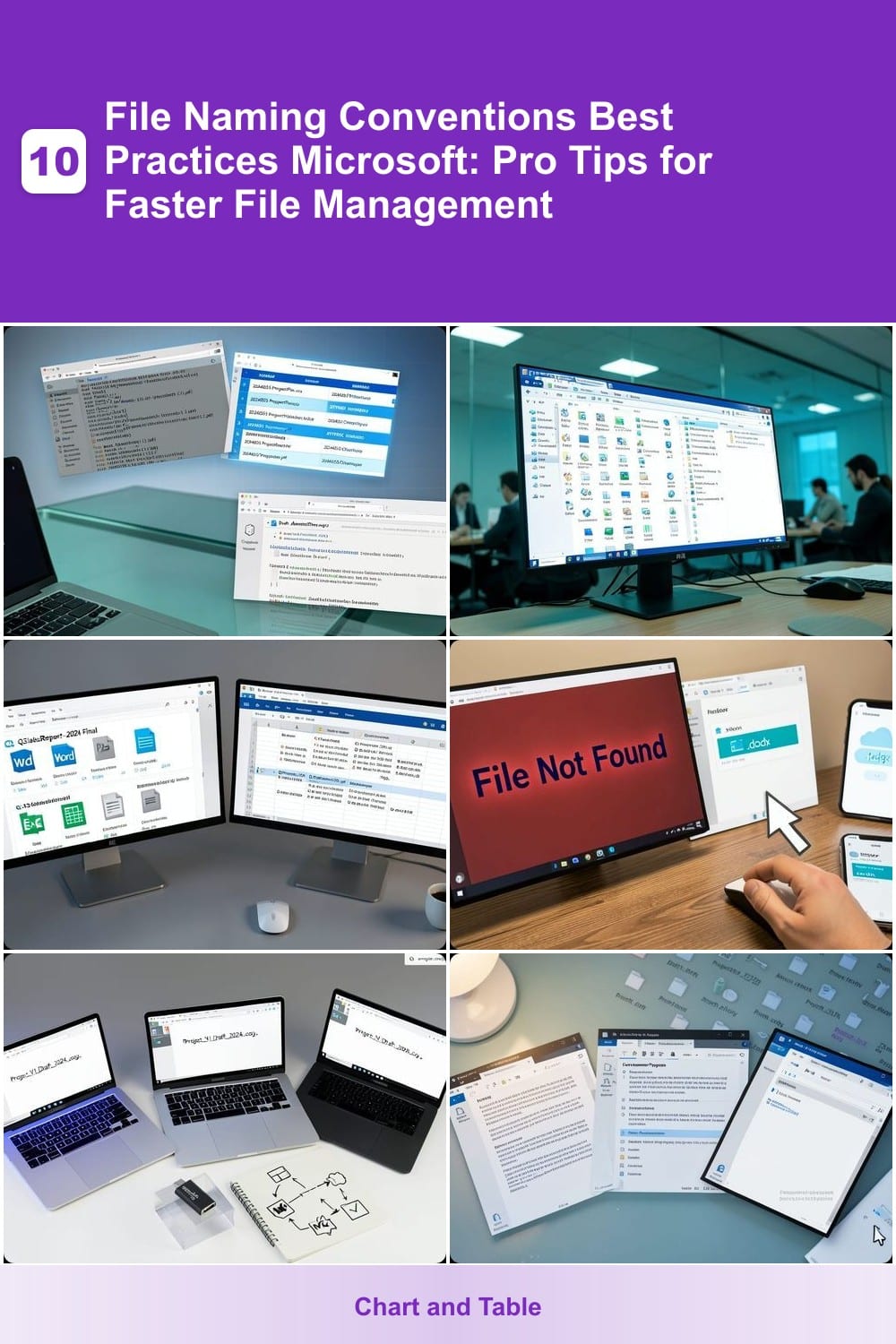
File Naming Conventions Best Practices Microsoft: Pro Tips for Faster File Management

October 13, 2026 by Vince Vasquez
File Naming Conventions Best Practices Microsoft: Pro Tips for Faster File Management

Struggling to find files in your Microsoft ecosystem? Poor naming conventions create chaos in Windows, OneDrive, and Office apps. These seven file naming best practices will streamline your workflow, boost searchability…

Read more

Categories Tip & Trick

How to Set Up a Teams Meeting: Quick Start for Instant Collaboration

October 13, 2026 by Vince Vasquez
How to Set Up a Teams Meeting: Quick Start for Instant Collaboration

Setting up a Teams meeting takes less than two minutes —I’ve scheduled dozens in that time while waiting for coffee to brew. 💡 The key is knowing where to click first, whether you’re on desktop, web, or mobile…

Read more

Categories Operating System

How Long Can a URL Be: Exact Limits and Browser-Specific Rules

October 13, 2026 by Vince Vasquez
How Long Can a URL Be: Exact Limits and Browser-Specific Rules

💥 Quick Answer How long can a URL be? A URL can be up to 2,000 characters long across most modern browsers, though functional limits vary: Chrome and Firefox truncate at ~2,048 characters, while Safari and Edge enforce…

Read more

Categories Operating System

How to Automatically Download Pictures in Outlook: One-Click Save to Your Device

October 13, 2026 by Vince Vasquez
How to Automatically Download Pictures in Outlook: One-Click Save to Your Device

To automatically download pictures in Outlook, you’re just one rule away from saving every photo that lands in your inbox—no manual clicks required. ✨ I’ve tested this on Outlook 365, 2019, and even the web version, and…

Read more

Categories Outlook

How to Check If Windows Is Activated: One-Click Status Verification in Seconds

October 13, 2026 by Vince Vasquez
How to Check If Windows Is Activated: One-Click Status Verification in Seconds

Checking if Windows is activated used to require digging through menus or hoping for the best. ⚡ I’ve seen too many users waste hours troubleshooting activation issues—only to discover their system was already legit. The…

Read more

Categories Windows
Page1…Page25Page26Page27Page28Page29…Page50Next →

About Me

Vince Vasquez

Vince Vasquez
My first computer was a clunky desktop my dad built from parts in the 1990s, and I spent hours tinkering with it—figuring out how to make it run faster, how to cram more games onto a floppy disk. That machine taught me that technology isn’t just about hardware; it’s about the stories behind it, the little hacks that make life easier, and the way a well-written guide can turn frustration into ‘Ah, that makes sense!’ Here at Chart and Table, I aim to cut through the noise and share the kind of tech advice I wish I’d had back then—clear, practical, and free of jargon. Whether it’s troubleshooting a stubborn PC, mastering a new software tool, or just figuring out why your Wi-Fi keeps cutting out, I’m here to help make tech feel less like a mystery and more like a tool you can actually use.

Learn more

Recent Posts

  • Visual Studio 2013 Update 5 Download: Direct ISO Link for Legacy Systems
    Visual Studio 2013 Update 5 Download: Direct ISO Link for Legacy Systems
  • Rundll32.exe Keymgr.dll,Krshowkeymgr: Instant Fix for Missing Key Manager Errors
    Rundll32.exe Keymgr.dll,Krshowkeymgr: Instant Fix for Missing Key Manager Errors
  • How to Change Mouse Button Bindings: Customize Clicks for Lefties or Gamers
    How to Change Mouse Button Bindings: Customize Clicks for Lefties or Gamers
  • How to Setup Gmail in Outlook Manually: Step-by-Step Visual Walkthrough
    How to Setup Gmail in Outlook Manually: Step-by-Step Visual Walkthrough
  • Download Teams Add-In for Outlook: Seamless Integration in Minutes
    Download Teams Add-In for Outlook: Seamless Integration in Minutes
  • All Guides
  • About
  • Contact
  • Privacy Policy
  • Cookie Policy
  • Terms of Use
© 2026 chartandtable.work